
Works offline
It’s a Progressive Web App (PWA). Once loaded, it works without a connection.
Free online sticky notes, whiteboard, and diagram tool — no sign-up required
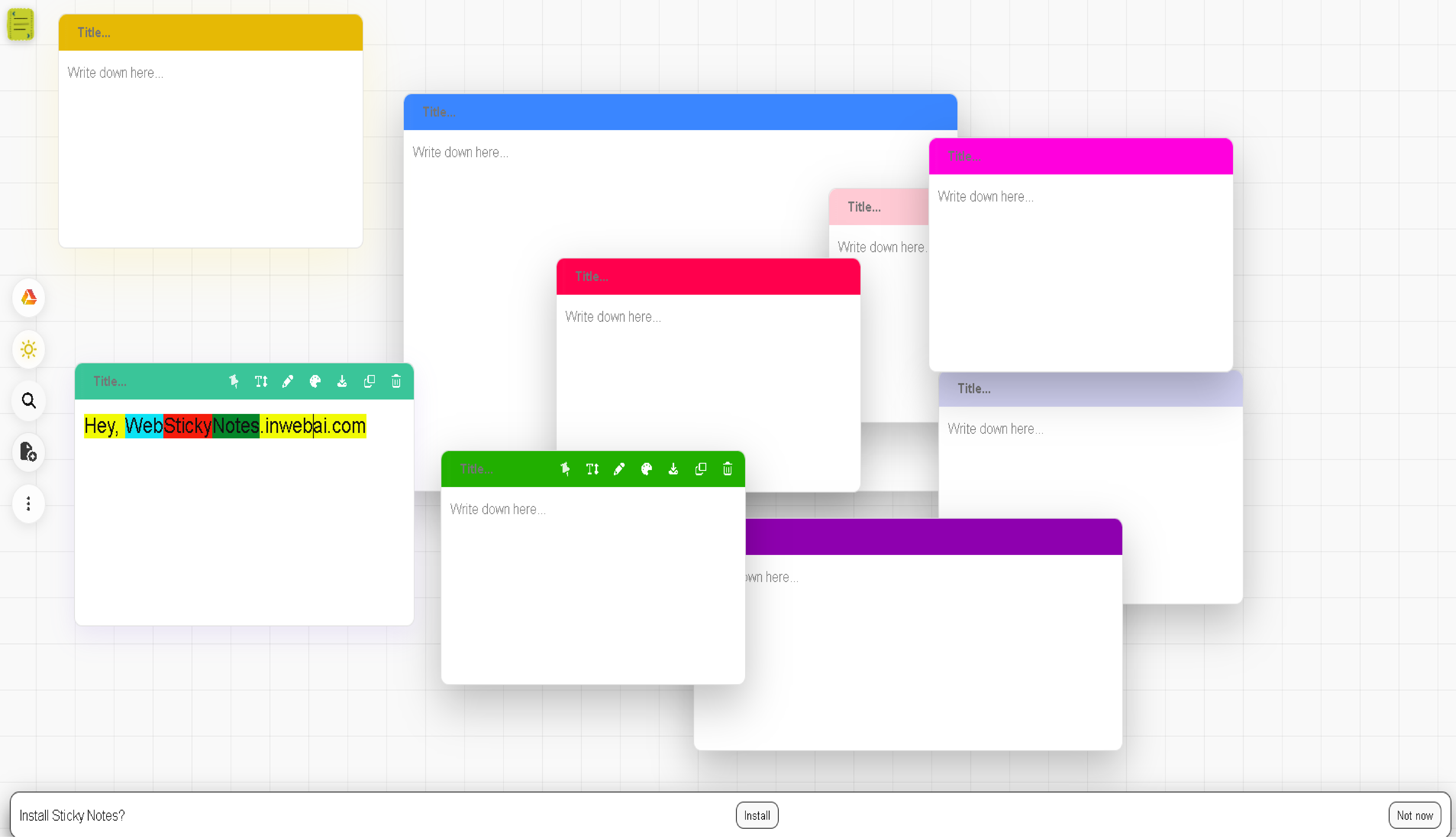
Web Sticky Notes is a free online workspace where you can create sticky notes, draw on a canvas, connect ideas with diagrams, and plan visually. It runs entirely in your browser, works offline, and never tracks you.
It’s a Progressive Web App (PWA). Once loaded, it works without a connection.
Notes are stored on-device in your browser. There are no servers and no sign-ups.
Color-code notes, drag to arrange, and search to find anything instantly.
Enjoy smooth editing with handy shortcuts for speed and focus.
Back up your workspace or move between browsers with simple import/export.
Keep everything local by default, or connect your own Google Drive to back up and restore.
Tiny footprint, instant load times, and a clean interface that stays out of your way.
Beyond sticky notes, Web Sticky Notes includes a powerful drawing canvas. Sketch ideas freely, create flowcharts, connect shapes with smart connectors, and design diagrams directly in your browser.
Unlike heavy diagram tools, Web Sticky Notes focuses on speed, simplicity, and privacy — perfect for quick planning and brainstorming.
Draw freely using pen tools, shapes, and connectors on a smooth, responsive canvas.
Create diagrams, flowcharts, and visual plans using curved and straight connectors — no external software needed.
Combine notes, drawings, and diagrams to brainstorm ideas and plan projects visually in one place.
Notes are stored on your device by default. Google Drive backup is
optional and uses the minimal Drive scope
drive.file to access only the app’s backup files.
Disconnect anytime. See the privacy policy for
details.